

Installing with Modrex
Modrex can manage PAYDAY 3 mods, such as installing, updating and viewing the contents of the mods (using a PAK Viewer built into the program)
Prefer PDML releases when downloading mods. Each PDML mod must remain a complete folder under PAYDAY3/Mods/, including its .uplugin file and all packaged content.
Installing Modrex
Download the installer from the Modrex website and install it.
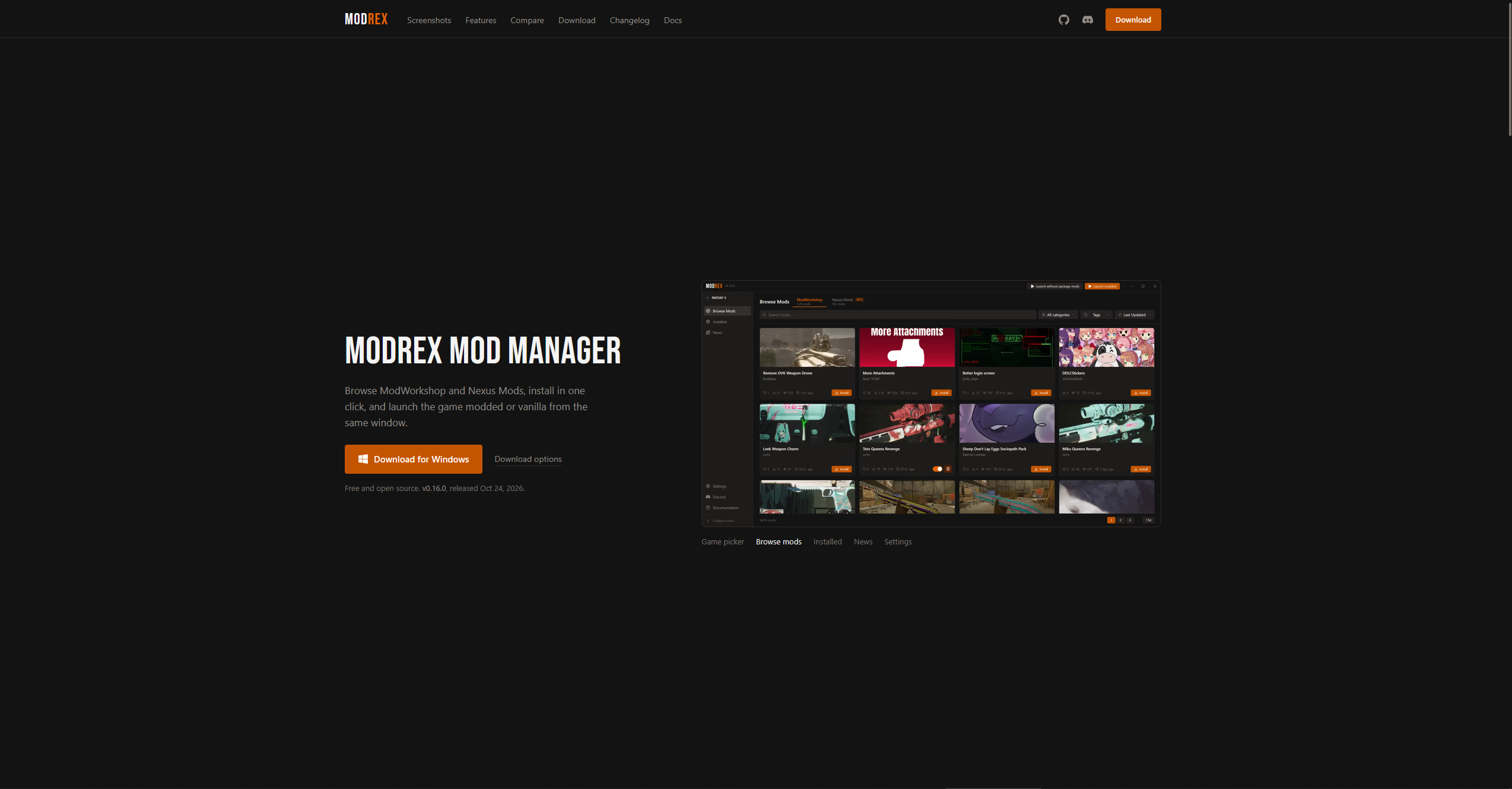
Go through the first time setup.
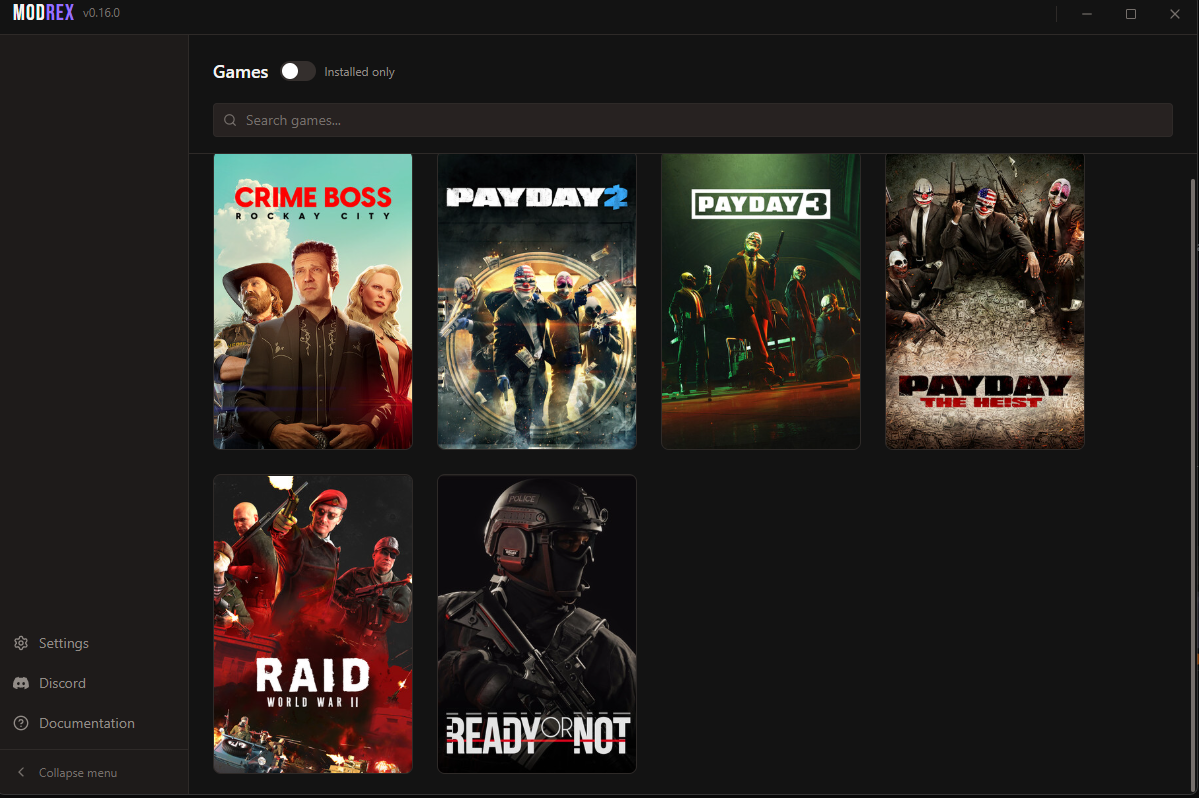
Navigate to the Browse games Tab and click on PAYDAY 3.
Download and install mods
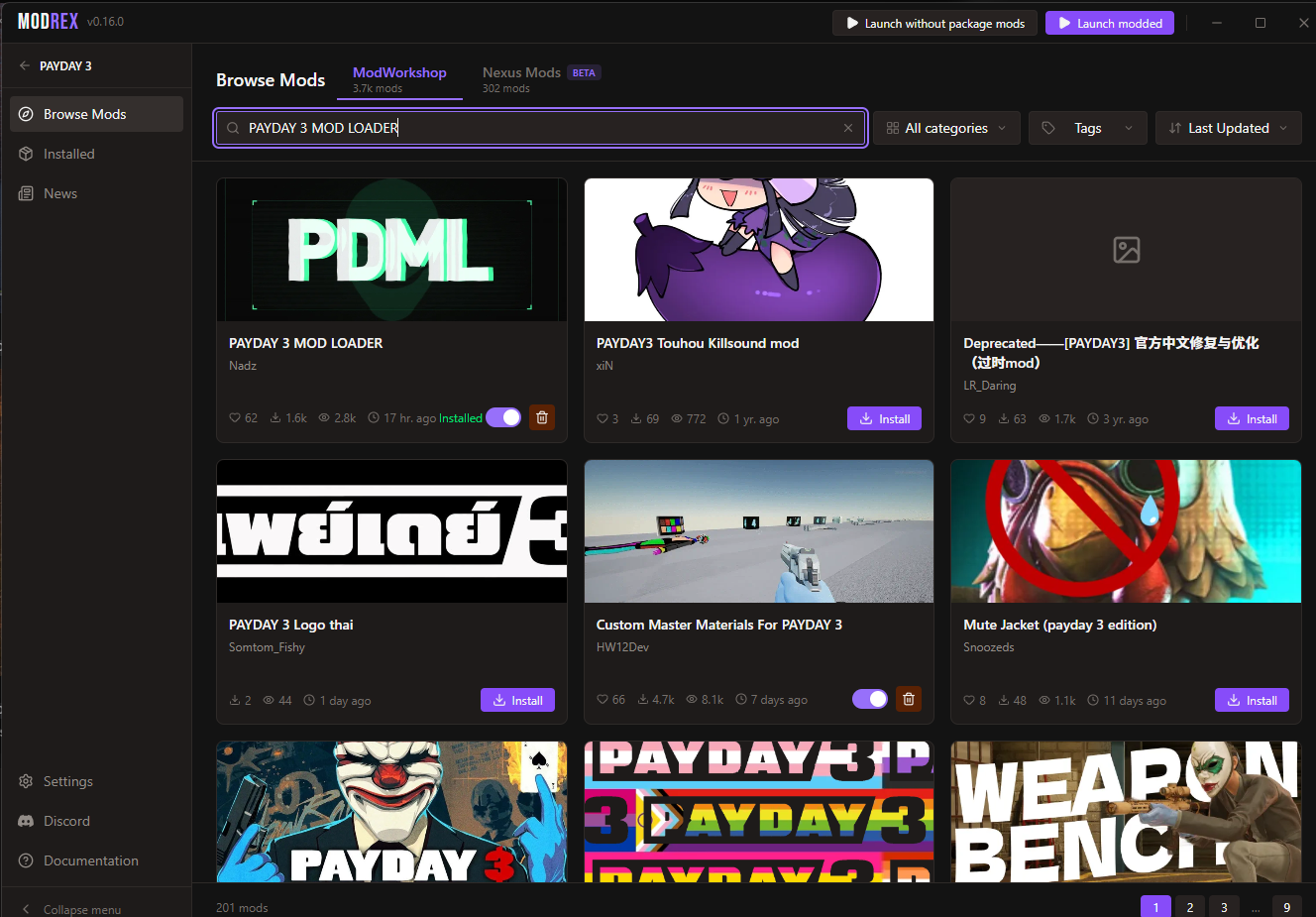
Go into the Browse Mods Tab within Modrex, look up PAYDAY 3 MOD LOADER and click Install.
Or alternatively, navigate to any mod that has PDML listed as its dependency and click Install, Modrex will automatically install PDML
|
A PDML mod’s packaged files belong inside its mod folder. Installing only its PAK files into If it can’t, go into your game Folder and make sure it has the proper structure. |