

Editor Tour
You only need to know a few parts of the editor to create your first mod.
Content Browser
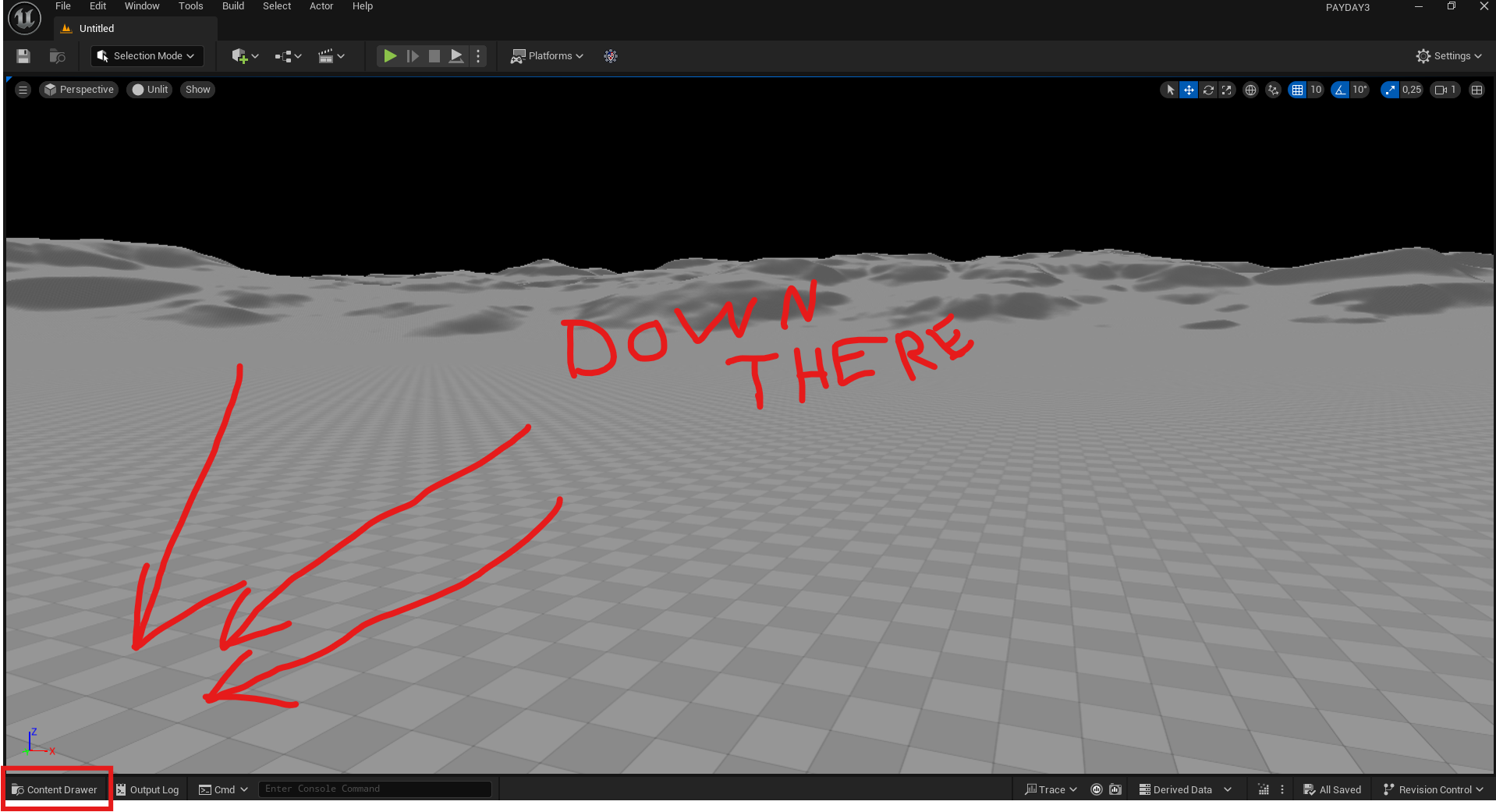
Use the Content Browser to find your mod’s assets, the modkit’s tools, and supported reference assets from your installed PAYDAY 3 game.
Do not assume that every visible asset is editable.
Cooked Assets explains how to recognize and work with reference content safely.
CrimeFactory
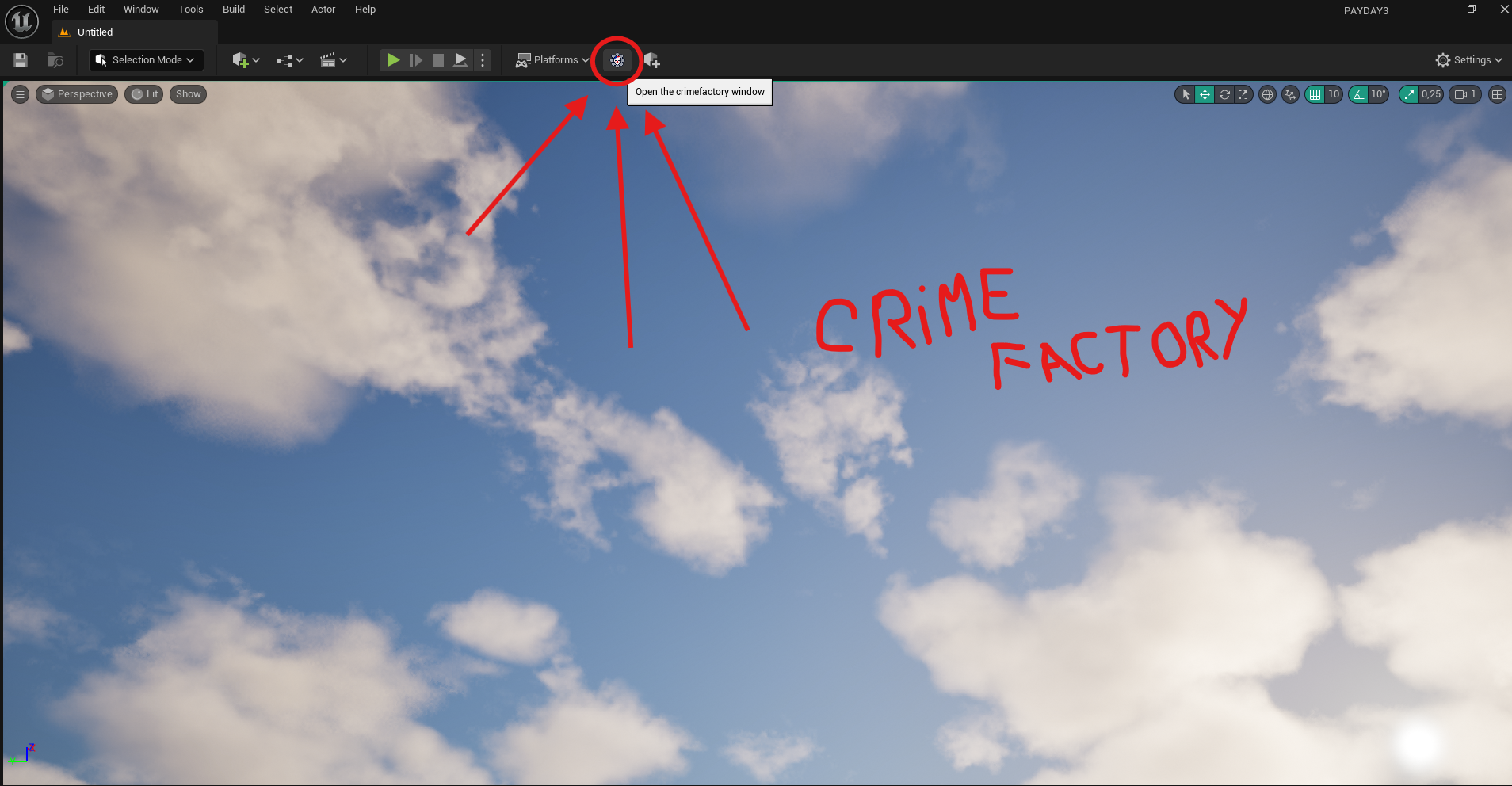
Use CrimeFactory to create and manage your PAYDAY 3 mods.
For the beginner workflow, the important actions are:
-
Create a mod.
-
Choose a template.
-
Validate the mod.
-
Package the mod.
Later guides cover additional CrimeFactory tooling.
Mod content
Keep new content inside the mod created by CrimeFactory unless a guide specifically tells you to target a base-game path for an asset replacement.
This makes ownership and packaging boundaries much easier to understand.
Output Log
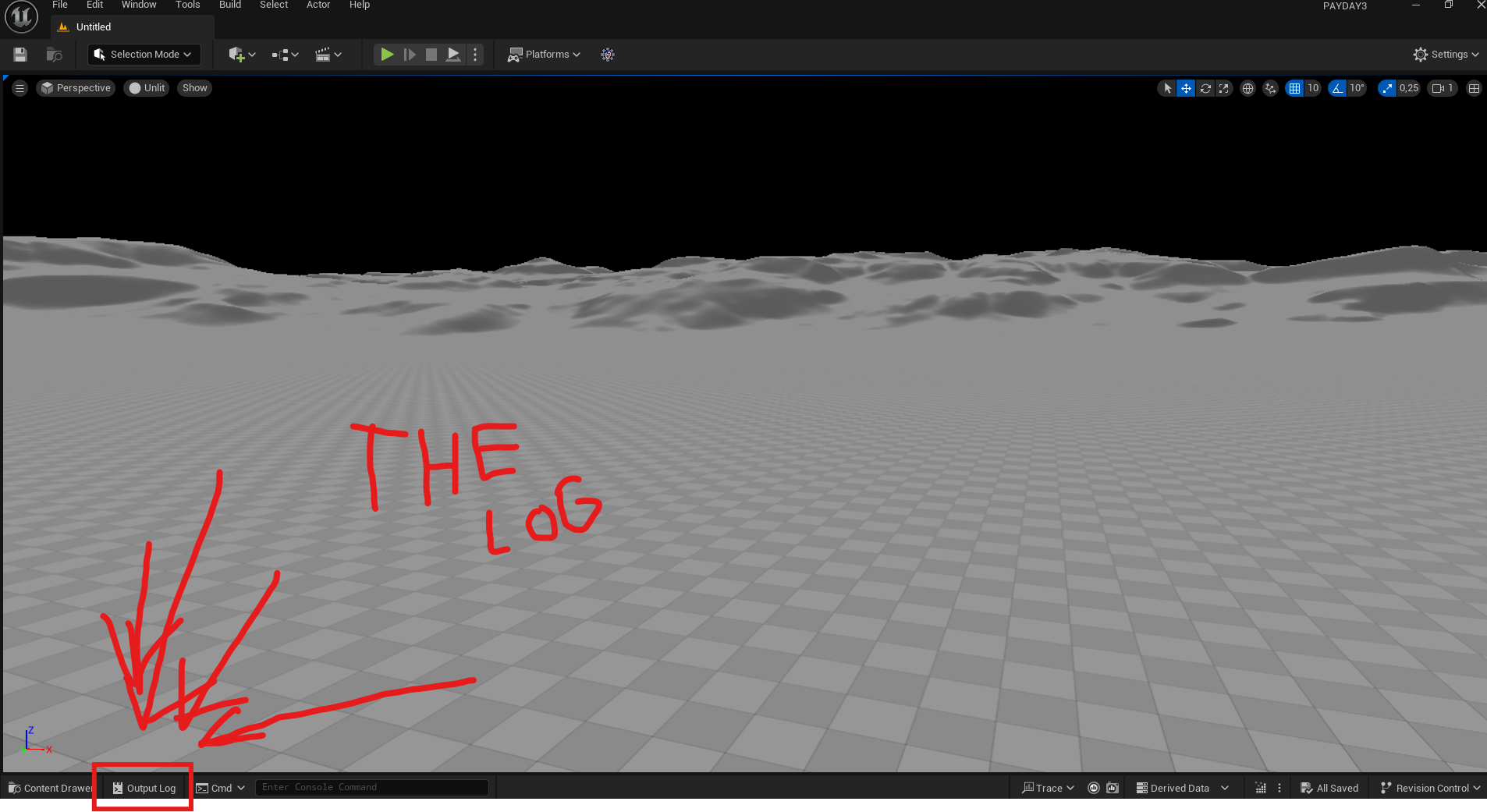
Keep the Unreal Output Log available while learning the toolchain.
When packaging, cooking, asset loading, or Blueprints fail, look here for error messages that explain the problem.
Next: Create Your First Mod.