

Mod Information & Configuration
CrimeFactory exposes information and configuration actions directly on each mod card.
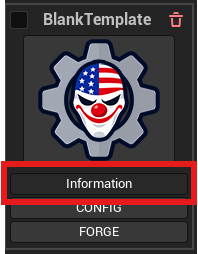
Configuration
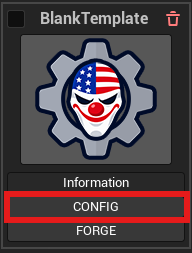
Click CONFIG on a mod card to open that mod’s CrimeFactory configuration.
The Config window exposes plugin/mod metadata such as:
-
Icon
-
Version
-
Version Name
-
Semantic Version
-
Friendly Name
-
Description
-
Created By
-
Links
-
Dependency information
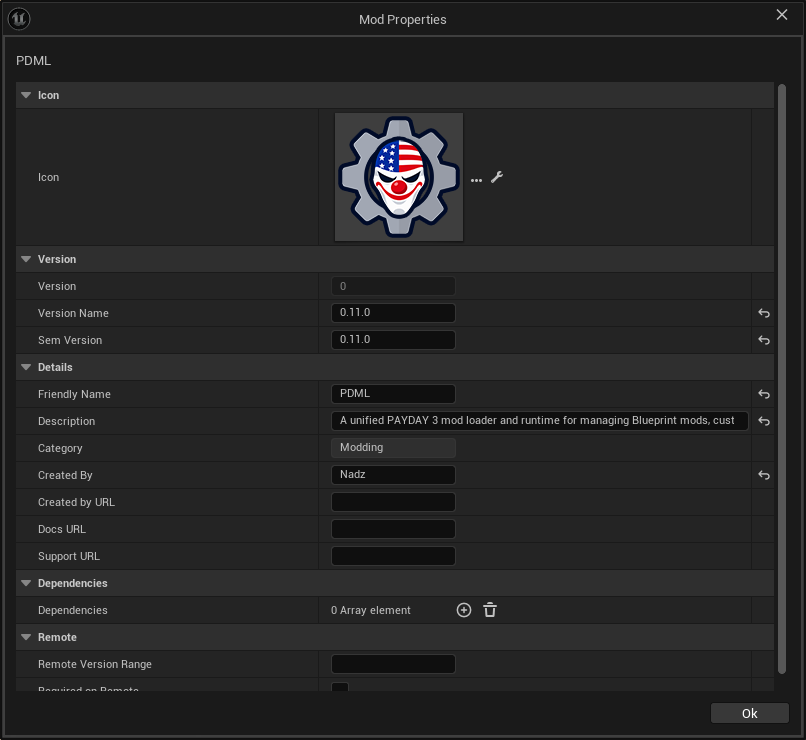
The main form uses the same controls as Create Mod: an icon picker, the permanent Mod Name, Friendly Name, Description, Created By, an editable Mod Authors array, Mod Page URL and Created By URL. Mod Name is read-only here because it identifies the existing plugin.
Friendly Name is the display name. Created By and Mod Authors are independent credits. Changes to the Mod Authors array also synchronise with the PDML metadata Data Asset.
Expand Advanced Properties for version, PDML, dependency, documentation, support and remote settings. Click Save Changes to apply metadata and the chosen PNG icon. The icon is stored as Resources/Icon128.png. Cancel discards pending form and icon choices.
Use this window for metadata that describes the mod rather than gameplay content stored inside the plugin.
The configuration is where the PAYDAY-specific packaging setup for the mod can be reviewed and managed.
CrimeFactory uses this configuration together with the mod’s PAL, Asset Manager registration, and replacement asset list when validating and Forging the mod.
See PAL & Explicit Assets for the content-selection side of that configuration.
PAL status and setup
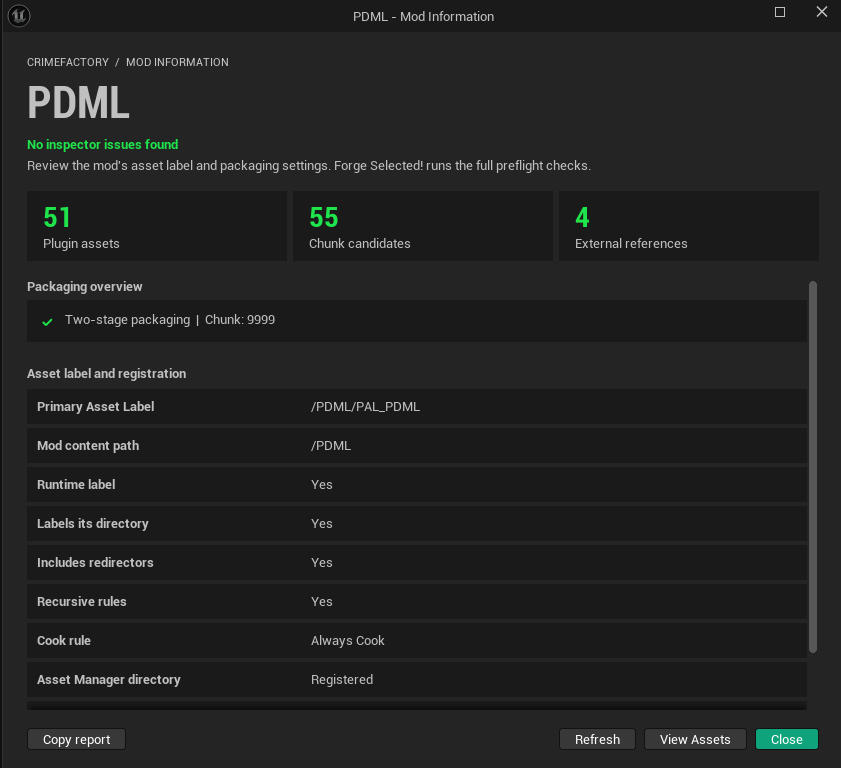
CrimeFactory’s information/validation tooling can inspect the mod’s Primary Asset Label and related setup, including:
-
the expected
PAL_<ModName>, -
runtime label configuration,
-
Chunk ID,
-
explicit assets,
-
Asset Manager registration,
-
stale template placeholders,
-
and external
/Game/…replacement assets.
Issues detected here are also used by the Forge preflight.
See Validation.